
Park it anywhere.
Shoot it everywhere.
Upload one photo of your car. Carfect restages it in 69 cinematic scenes — neon-lit backstreets, snow roads, studio light, the Bosphorus at golden hour — in about twenty seconds. Same car, same wheels, better world. Now in motion, too: turn it into a 5 or 10 second video.
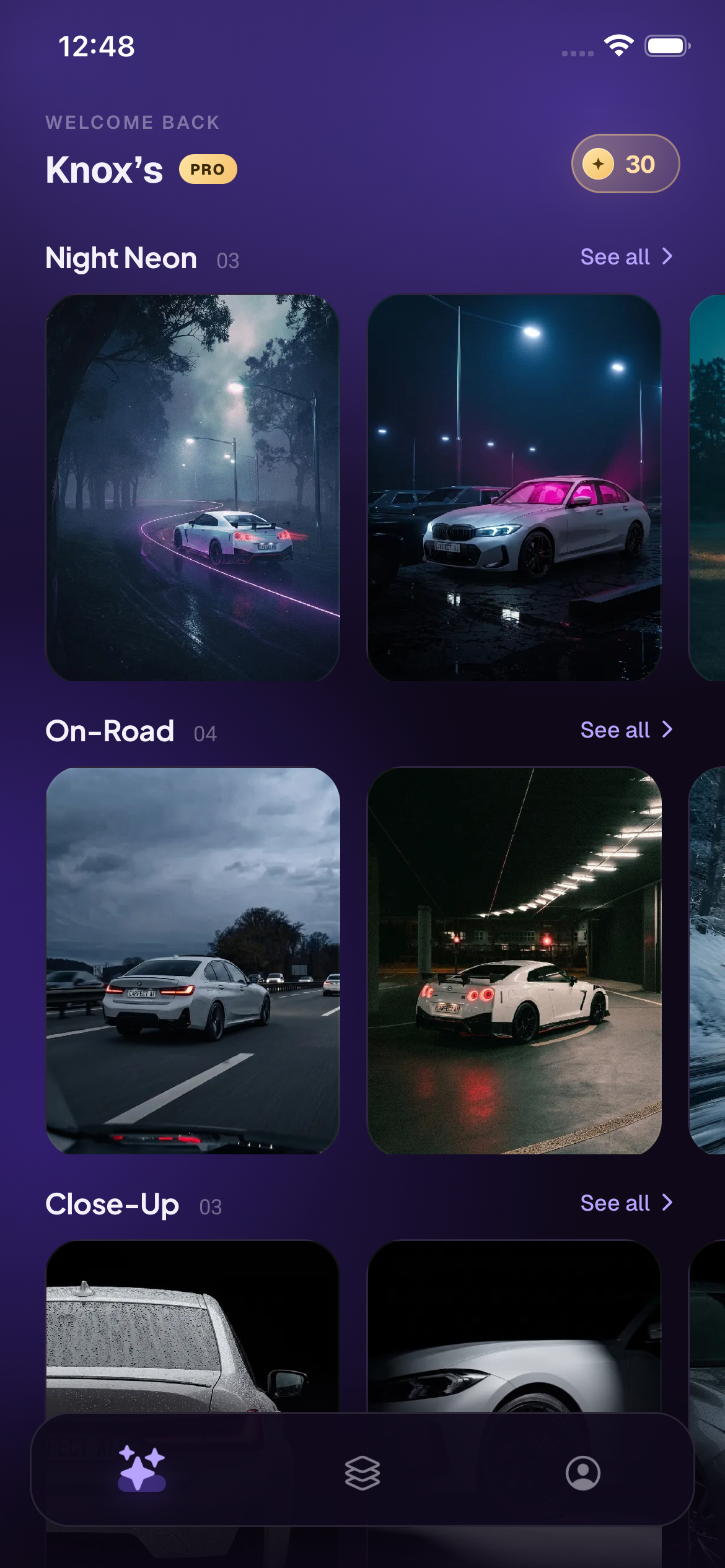
A car studio in your pocket.
Six things Carfect does to a single photo — no crew, no golden-hour window, no reshoot.
Drag it. Watch the world change.
The same plain source photo on the left. Six different Carfect renders on the right — same car, down to the wheels.
- One plain phone photo — no crew, no location
- Relit, reframed and re-staged — never repainted
- Render as many scenes as you like from one upload


69 scenes. 23 categories.
Everything below came out of a single uploaded frame. Tap a category to filter.
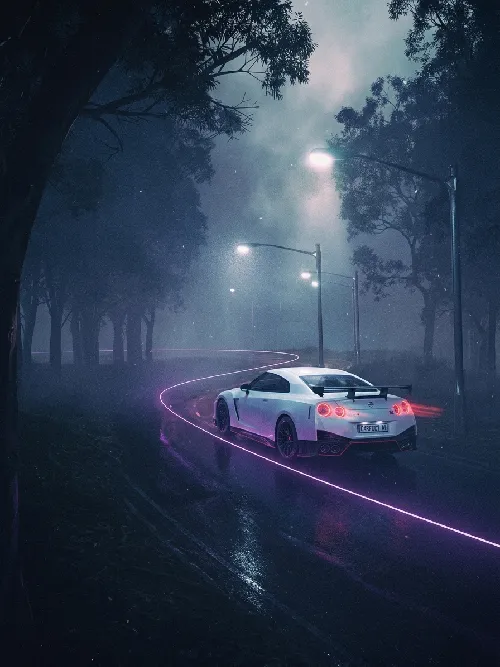


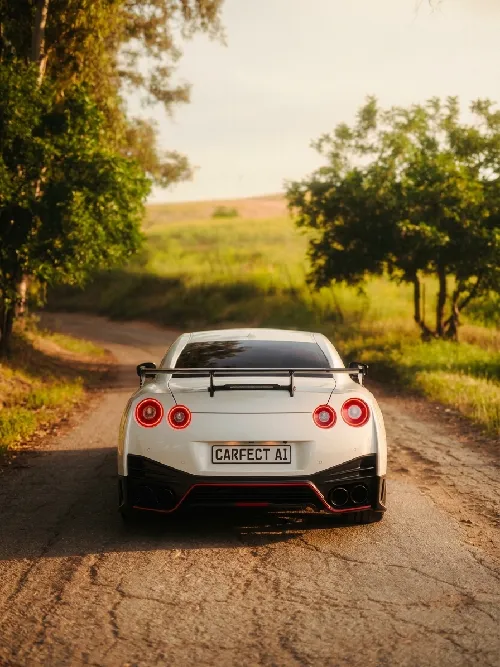
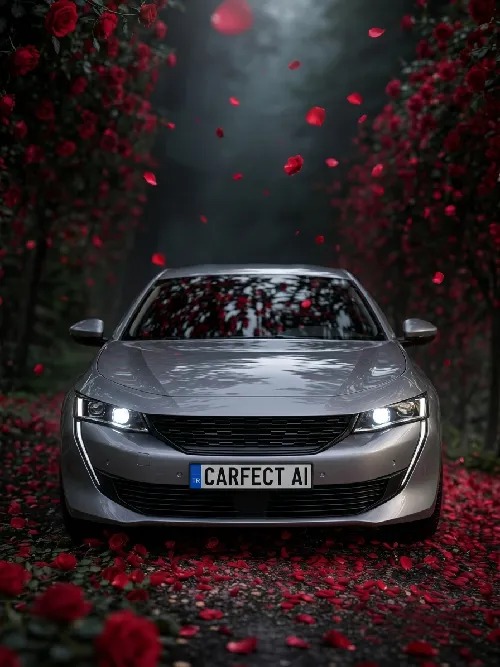
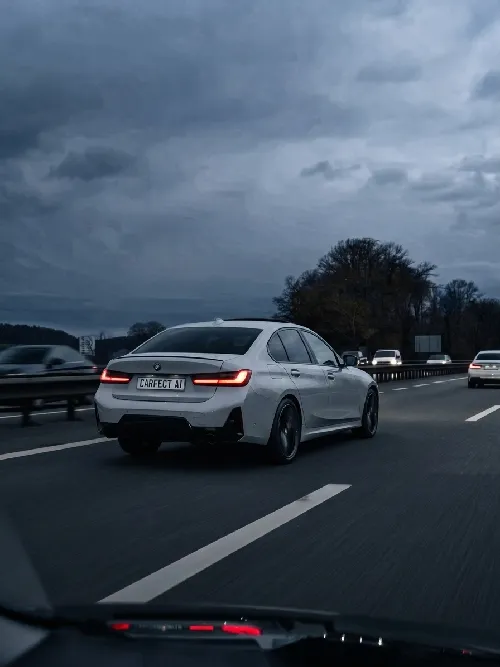


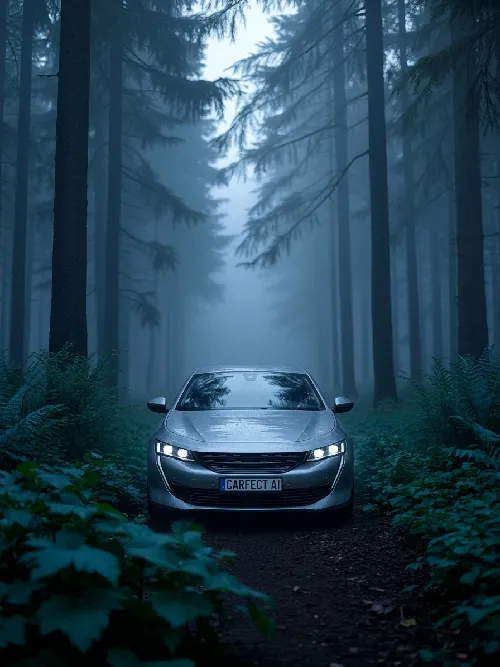
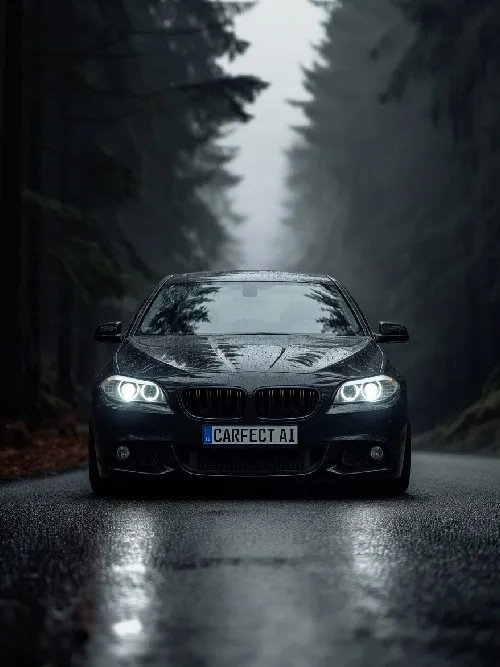
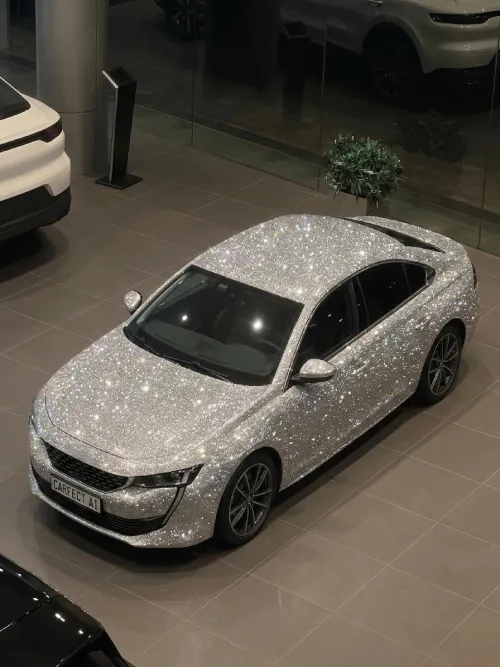
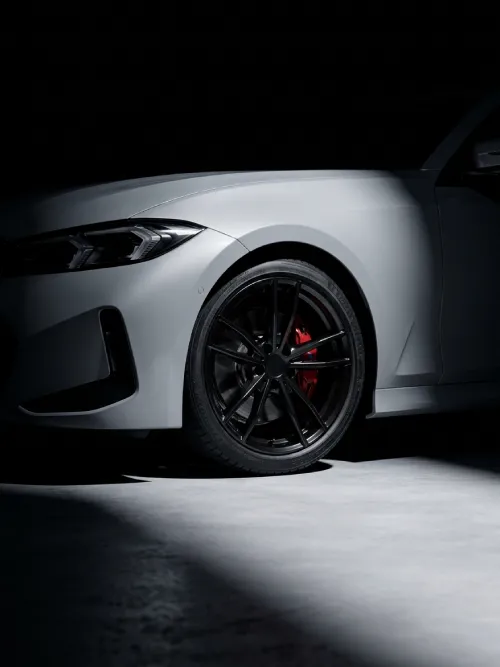
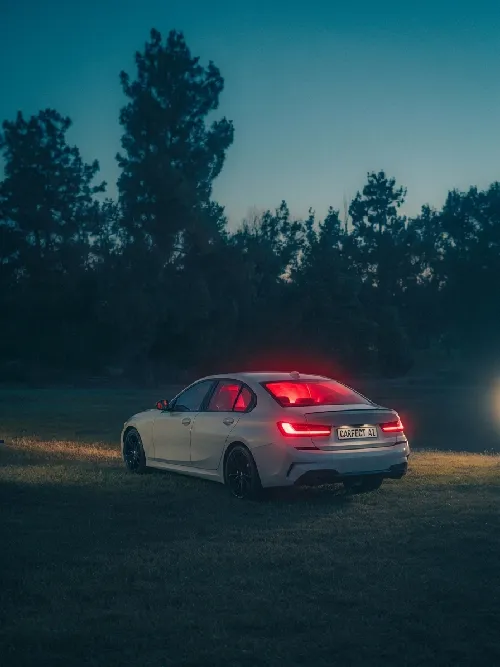
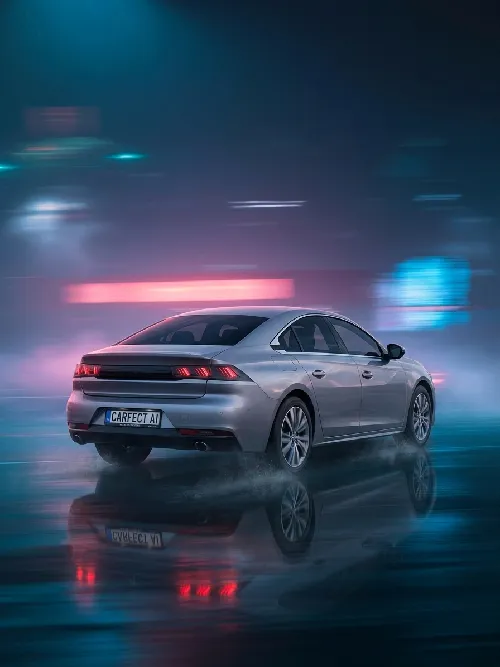
Three taps, start to post.
- STEP 01Upload one photoParking lot, garage, side street. One clear frame with the whole car in it is enough.
- STEP 02Pick a sceneNight neon, snow road, studio light, jet flyby. Queue as many as you want.
- STEP 03Export and postHigh-resolution, no watermark. Drop it in your story and get used to the questions.
Does my car stay my car?
Yes. Model, colour and wheels are preserved — the scene, light and atmosphere are the only things that change. AI results can still surprise you now and then; that is the nature of the models.
How many photos do I need to upload?
One is enough. Results get sharper when the whole car is in frame, in focus, with nothing standing in front of it.
How long does a render take?
Around twenty seconds on Wi-Fi for a photo, and about two to three minutes for a video, depending on how busy the servers are.
Can Carfect make videos?
Yes. In 37 of the scenes you can create a 5 or 10 second motion video of your car, or turn a finished photo into a video from its result screen. Video is part of the subscription and uses tokens.
What does Carfect cost?
Carfect is free to download and runs on an auto-renewable subscription sold through the App Store. The plans and current prices are shown on the subscription screen in the app, where you can also cancel at any time.
Is Carfect on Android?
Not yet. Carfect is on iPhone today; the Google Play release is in the works. Nothing to sign up for — the Play listing will appear here when it goes live.
Can I use the renders commercially?
Commercial use — listings, dealer socials, wrap-shop portfolios — is permitted, provided you own or have permission to use the photo you upload. See the Terms of Use for the full picture.
What happens to my photo?
Uploads travel over encrypted connections and are stored on secure servers, and your results stay in your account — deleting your account removes them. Your photos are never sold and never shared for advertising or marketing; the only third parties involved are the processing providers needed to produce the render (Google Gemini API for photos, fal.ai for videos). Your images are not used to train models without your explicit consent — details in the Privacy Policy.

Your car has never looked like this.
Download Carfect, upload one frame, and see what your car looks like somewhere else.